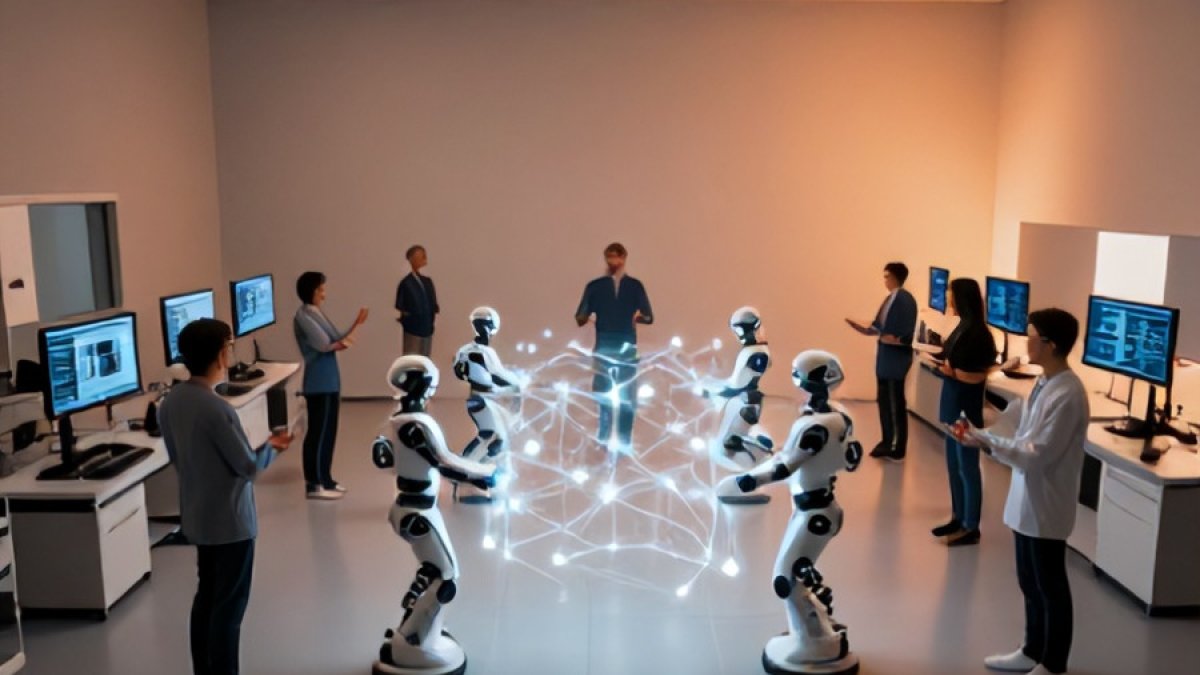
Your Software Team's New AI Co-Pilot: Beyond Snippets to Smarter Collaboration
Most software teams do not need another autocomplete box. They need help keeping decisions, code, reviews, incidents, and delivery plans connected as work moves across a system.
That is the more useful way to think about an AI co-pilot: not as a machine that produces isolated snippets, but as a collaborator that can reduce the friction between understanding a problem and moving it forward. Its value is rarely the first generated function. The value is the time it saves when it helps a team find context, expose assumptions, prepare routine work, and keep humans focused on judgment.
Used well, AI can make a team more deliberate without making it more bureaucratic. Used poorly, it can create a fast-moving stream of plausible code, vague summaries, and unexamined risk.
Move from generation to collaboration
Code generation is the most visible AI capability because it is easy to demonstrate. Ask for a parser, a test fixture, or a shell command, and the result appears immediately. That can be genuinely helpful for familiar, bounded tasks.
But production software is not a collection of detached coding exercises. A change usually depends on conventions, interfaces, deployment rules, ownership boundaries, security requirements, and the history of previous decisions. A strong co-pilot workflow therefore gives the model relevant context and asks it to support a specific stage of work.
For example, before implementing a change, a developer might ask the system to summarize the affected modules, identify likely callers, and list open questions. During implementation, it can draft narrow edits or tests. Before review, it can compare the change against stated acceptance criteria. After an incident, it can help organize a timeline from approved logs and notes for a human to validate.
The pattern is simple: use AI to prepare, inspect, and communicate—not to silently replace accountability.
Choose tasks with clear boundaries
The safest and most productive early use cases are repetitive tasks with observable outputs. They let the team learn where the tool is reliable and where human review must remain firm.
- Codebase orientation: summarize a package, explain a dependency path, or turn a ticket into a list of files and questions to investigate.
- Test support: propose edge cases, draft table-driven tests, or identify missing assertions after a developer defines the intended behavior.
- Review preparation: produce a concise change summary, flag configuration changes, and list assumptions that reviewers should verify.
- Documentation maintenance: convert confirmed implementation details into setup notes, API examples, or runbook drafts.
- Operational assistance: help interpret a known alert procedure, prepare a rollback checklist, or summarize approved incident artifacts.
Each of these tasks has a useful human checkpoint. The developer can inspect the code. The reviewer can verify the summary. The incident lead can correct the timeline. That checkpoint is not a failure of automation; it is the design that makes automation dependable.
Give the co-pilot the right context
A model cannot infer team-specific intent from a prompt alone. Vague requests invite generic output, and generic output is costly when it enters a real repository. The best prompts look more like compact engineering briefs than casual questions.
Include the goal, relevant constraints, the source of truth, and the form of the desired result. If a task has uncertainty, ask the system to state assumptions and questions before proposing a solution. This changes the interaction from “write something” to “help me reason through this safely.”
A practical request pattern
Goal: Add validation for a new account setting.

Context: The setting is stored with existing account preferences.
Constraints: Preserve current API responses and avoid changing defaults.
Source of truth: Existing validation rules and the product requirement.
Output: List affected areas, open questions, and a proposed test plan.
Do not implement until the questions are resolved.
This request is useful even if the model’s first answer is incomplete. It creates an artifact that a developer can challenge, refine, and turn into a focused implementation plan.
Build review into the workflow
AI-assisted output should be treated according to its impact, not according to how confidently it is written. A generated unit test may need a quick inspection. A database migration, access-control change, production command, or customer-facing explanation deserves a much higher bar.
Teams benefit from explicitly deciding which actions an AI system may perform and which actions it may only recommend. Reading approved repository content and drafting a pull request description are different from changing infrastructure or sending a message to customers.
- Require ordinary code review for AI-assisted changes, just as for any other change.
- Run the same tests, linters, security checks, and deployment gates.
- Keep secrets, sensitive customer data, and privileged credentials out of unapproved model contexts.
- Ask for evidence when the output makes a technical claim: file references, tests, documented constraints, or clearly marked uncertainty.
- Preserve a human owner for decisions, releases, and external communication.
A useful rule is that a co-pilot may accelerate the path to a decision, but it should not obscure who made the decision or why.
Measure learning, not just speed
It is tempting to evaluate AI adoption by counting generated lines of code or completed tickets. Those numbers are easy to collect and easy to misread. More code is not automatically more value, especially if it increases review load, operational risk, or maintenance cost.
Instead, watch for practical signals. Are developers reaching useful context faster? Are routine pull requests easier to review? Are runbooks clearer? Are repeated support questions declining because documentation improved? Are engineers spending more time on design, debugging, and customer problems rather than transcription?
Also pay attention to failure patterns. If the co-pilot repeatedly misunderstands an architectural boundary, that may reveal missing documentation or unclear abstractions. The corrective action is not always a better prompt. Sometimes the team needs a clearer interface, a better decision record, or a smaller service boundary.
Start small, then make the practice repeatable
A durable rollout does not begin with a mandate to use AI everywhere. Start with one workflow that is common, low-risk, and annoying enough that improvement will be visible. Define the inputs the tool may use, the expected output, the reviewer, and the fallback when the output is wrong or unavailable.
Once the workflow works, document it. Good prompts, review checklists, and examples of accepted output become team assets. They turn individual experimentation into a shared capability without forcing every engineer into the same style of work.
The most promising AI co-pilot is not the one that writes the most code. It is the one that helps a software team maintain context, make better decisions, and move routine work out of the way. When that happens, the technology becomes less of a novelty and more of what a co-pilot should be: a capable assistant that leaves the team clearer, safer, and more effective than it found them.



